Generate it.
Then make it yours.
Halo turns a sentence into an image, a clip, or a track — then hands you a real canvas to edit it on. No exporting to another app, no round trips. One studio, from the first idea to the final file.
No card required. No subscription. Pay only for what you generate.
Free tokens on signup — roughly 20 images
Generators: image, video, music, sequence
Canvas where all of it comes together
Monthly fee — top up only when you want
Real prompts.
Real output.
Every image below was made in Halo, and every caption is the prompt that made it — typed exactly as you see it, nothing retouched afterwards.
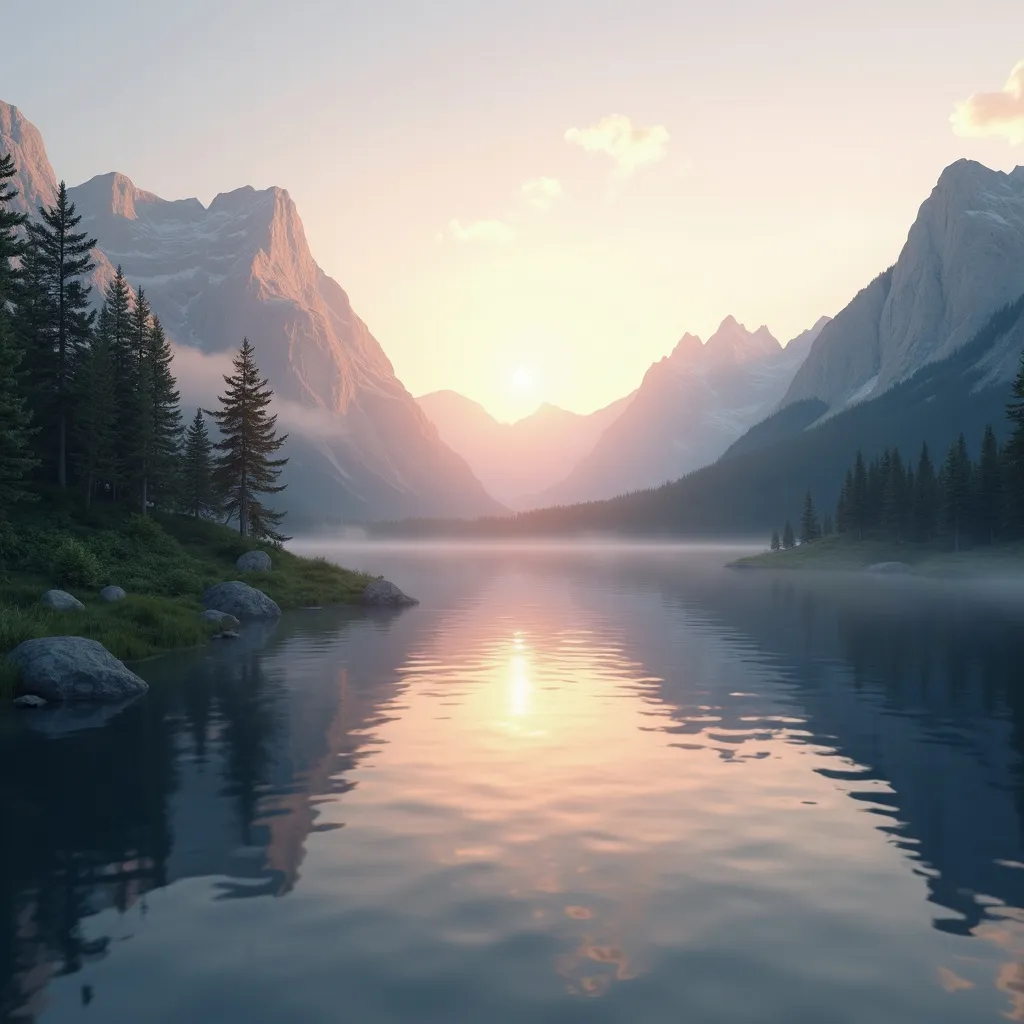
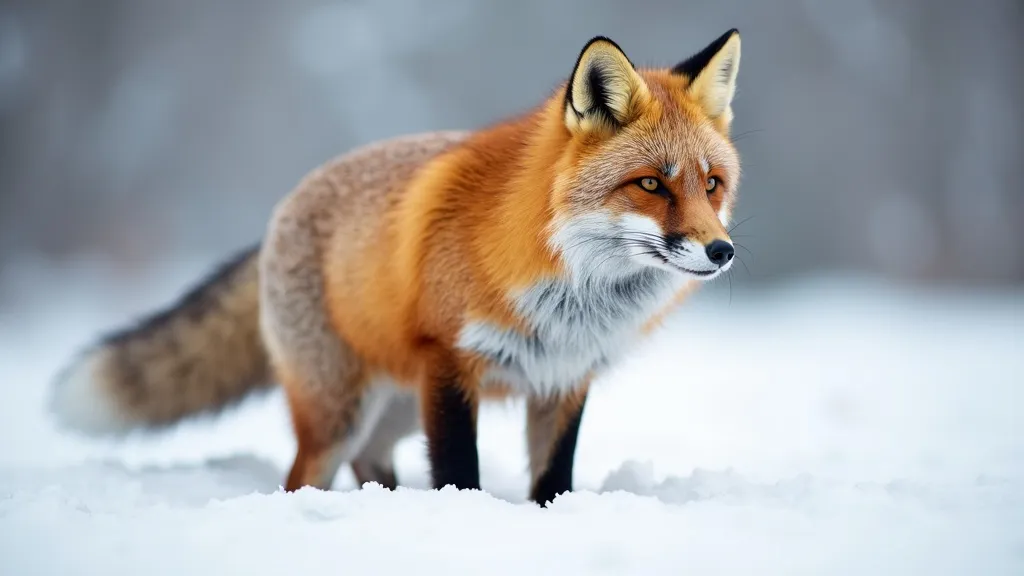
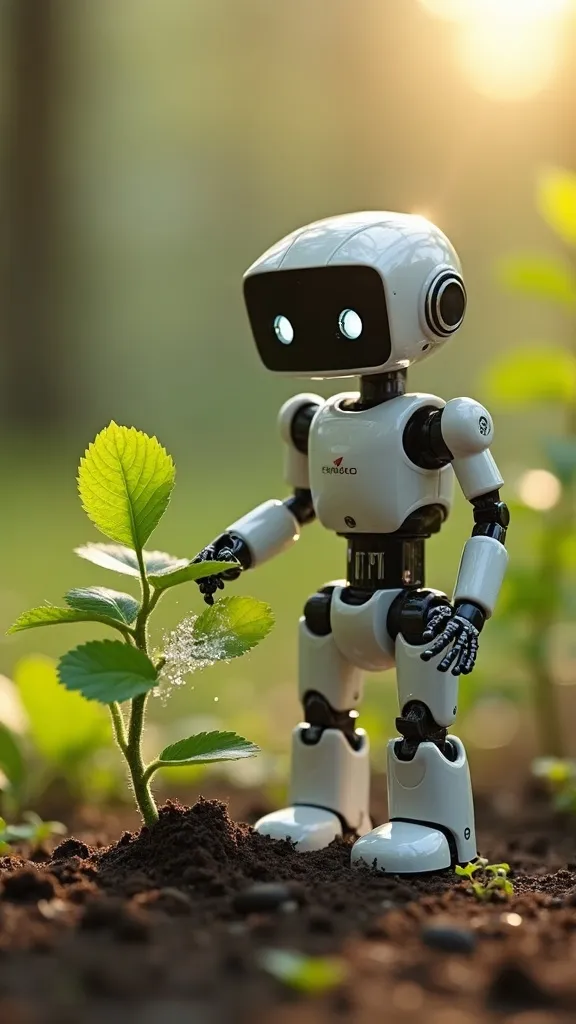
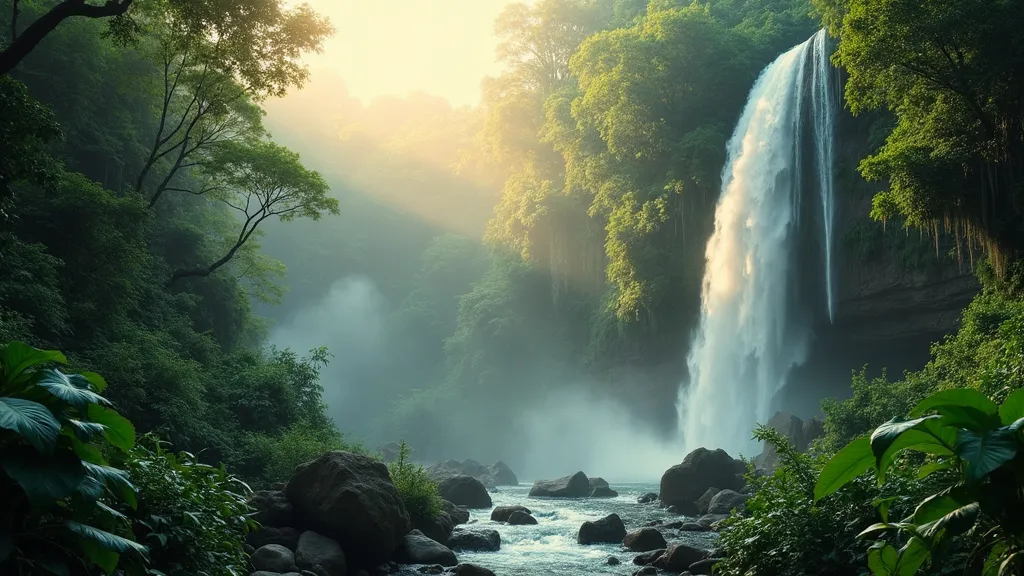

Six prompts, six results, about 70 tokens all in — a quarter of what a new account starts with.
Two tools. One missing step.
Every creative workflow today splits in half — and you spend your day carrying files across the seam.
Generators stop at the picture
You get a beautiful image and a download button. Want the headline on it, the logo placed, the crop changed? That's somebody else's app.
Editors can't make the picture
Layout tools are happy to arrange assets — as long as you already have them. The blank frame is still your problem to solve.
Halo closes the loop
Describe it, and it lands on the canvas as a live layer. Move it, type over it, draw on it, animate it, score it, export it. The generation and the design happen in the same file — because they're the same job.
Everything you need
to go from blank to finished
A generation engine and a design surface, built as one product instead of two that happen to share a login.
Prompt to image
Describe what you want and pick an aspect ratio. The result arrives on the canvas as an editable layer, not a download in your browser's folder.
Reference-guided results
Point at an image you already made and generate the next one in the same subject or style. Keep a look consistent across a whole set.
A real canvas
Layers, text, shapes, freehand drawing, transform handles, snap and scale. Everything you'd expect from a design tool, wrapped around your generations.
Motion, from a still
Turn a frame into a clip — or set a start frame and an end frame and let the motion fill the gap. Two quality tiers, so quick tests stay cheap.
Music on demand
Describe a mood and a length, get a track. No library licensing, no searching a stock catalogue for something that almost fits.
Sequencer
Lay clips, text cards and a score on a timeline, then render the whole thing to one video. The last mile that usually sends you to an editor.
Three surfaces,
one workspace
Switch between them without leaving the project you're working on.
The canvas is the point
A generation is a starting frame, not a finished piece. In Halo it drops in as a layer you can actually work with.
- ✓Layer stack — reorder, hide, lock and select just like a design tool.
- ✓Type and shapes — headlines, captions, badges and blocks over the artwork.
- ✓Freehand draw — annotate, mask, or sketch straight onto the frame.
- ✓Fit and export — one click to fit the frame, one to export a clean PNG.
Stills learn to move
Pick a frame you already generated, describe the motion, and get a clip back — then trim it down to the seconds that actually work.
- ✓Start and end frames — set both ends and let the motion interpolate between them.
- ✓Two tiers — a fast tier for drafts, a premium tier with higher resolution for the final.
- ✓Trim scrubber — drag the in and out points and save the trimmed clip as its own asset.
- ✓GIF export — pull a loop straight out for chat, docs or social.
“camera move closer to whater fall with mist and sun ray gliming of the mist”
Cut it together, score it, ship it
The sequencer is where the pieces become a piece — clips in order, text cards between them, and a track underneath.
- ✓Lanes — video, text and audio on their own tracks, arranged on one timeline.
- ✓Generated score — describe the music you want and drop it into the audio lane.
- ✓One render — output the whole sequence as a single finished video.
- ✓Reusable assets — everything in the timeline stays in your library for the next project.
Blank canvas to finished file
in three moves
No install, no plugins, no handoff between apps. Open a browser and start.
Describe it
Type what you're picturing, choose a shape, and generate. Add a reference image if you want the result to match something you've already made.
Work it on the canvas
Position, scale, layer, type over it, draw on it. Generate more pieces into the same file until the composition is right.
Export or animate
Take the PNG, or push it further — turn it into a clip, add a score, sequence it, and render the finished video.
Pay for what you make.
Nothing else.
No seats, no monthly minimum, no plan to outgrow. Start with free tokens and top up when you want more.
- ✓Image generation with references
- ✓Full canvas editor and PNG export
- ✓Video, music and the sequencer
- ✓Unlimited saved projects
- ✓Email support
- ✓Everything in the free trial
- ✓No subscription and no seat fees
- ✓Tokens cover images, video and music
- ✓Larger bundles cost less per token
- ✓Live balance in the studio toolbar
- ✓Bulk token bundles
- ✓White-label deployment options
- ✓Shared brand assets and templates
- ✓Onboarding and priority support
- ✓Custom generation limits
Jhome Tokens are prepaid digital service credits used to pay for generation inside Jhome Automation apps. They are not an investment, carry no ownership or profit rights, are non-transferable, and are not redeemable for cash.
Before you start
What do tokens actually pay for?
Is there a subscription?
Do I need design experience?
Can other people see what I make?
What can I do with the output?
What do I need to get started?
Your next idea is
one sentence away
Start with 250 free tokens. No card, no subscription, no reason not to see what it does.